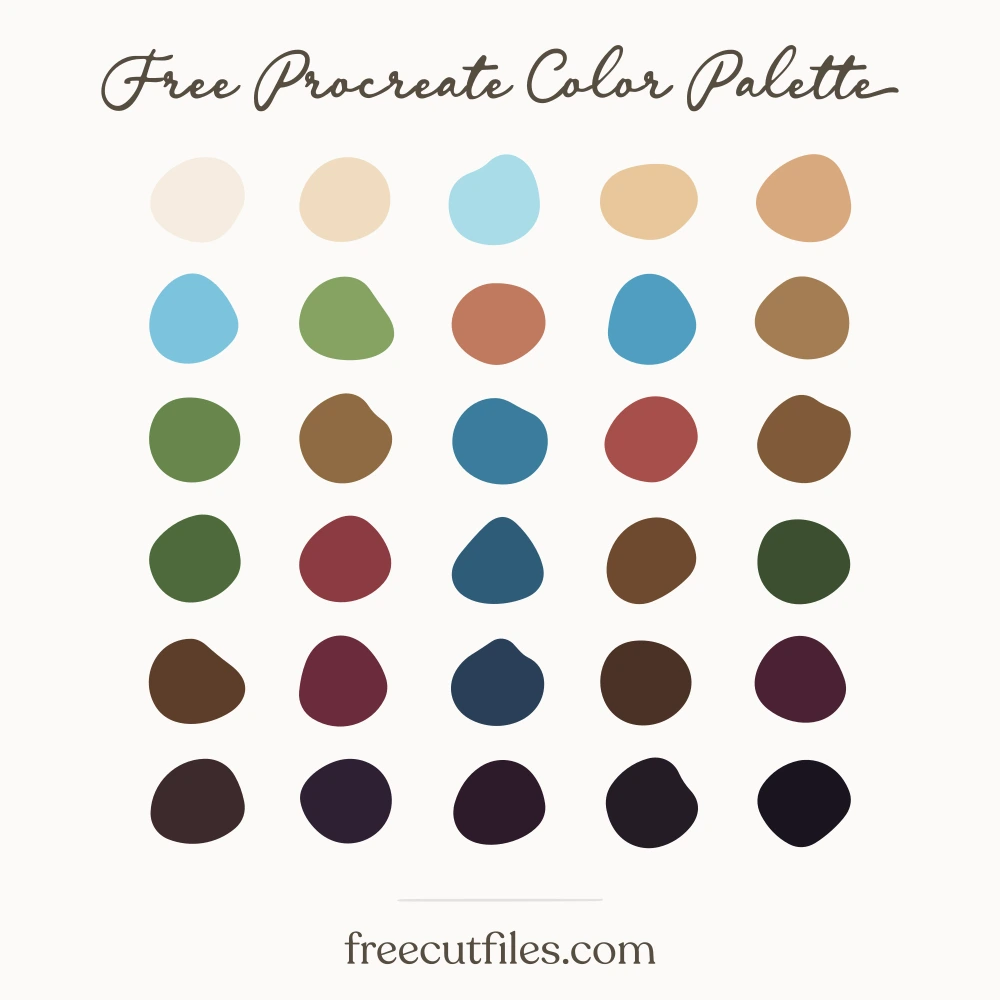
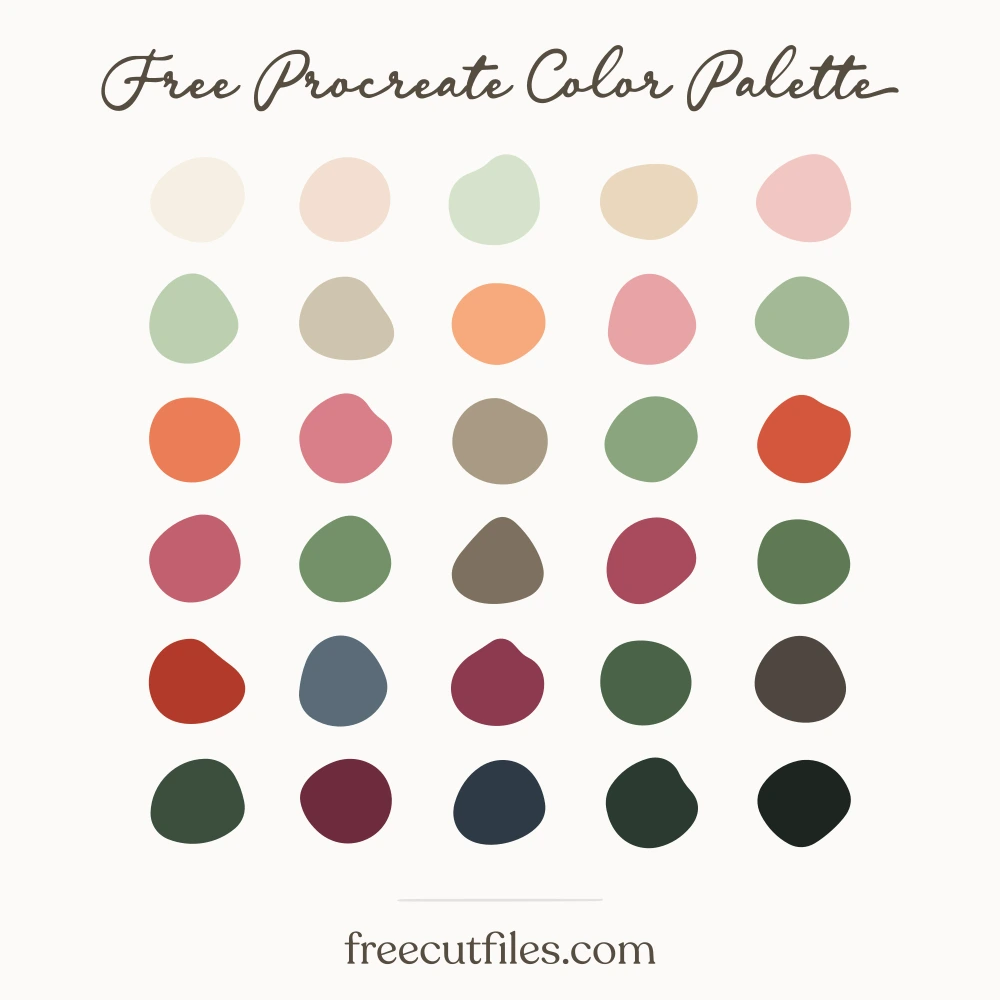
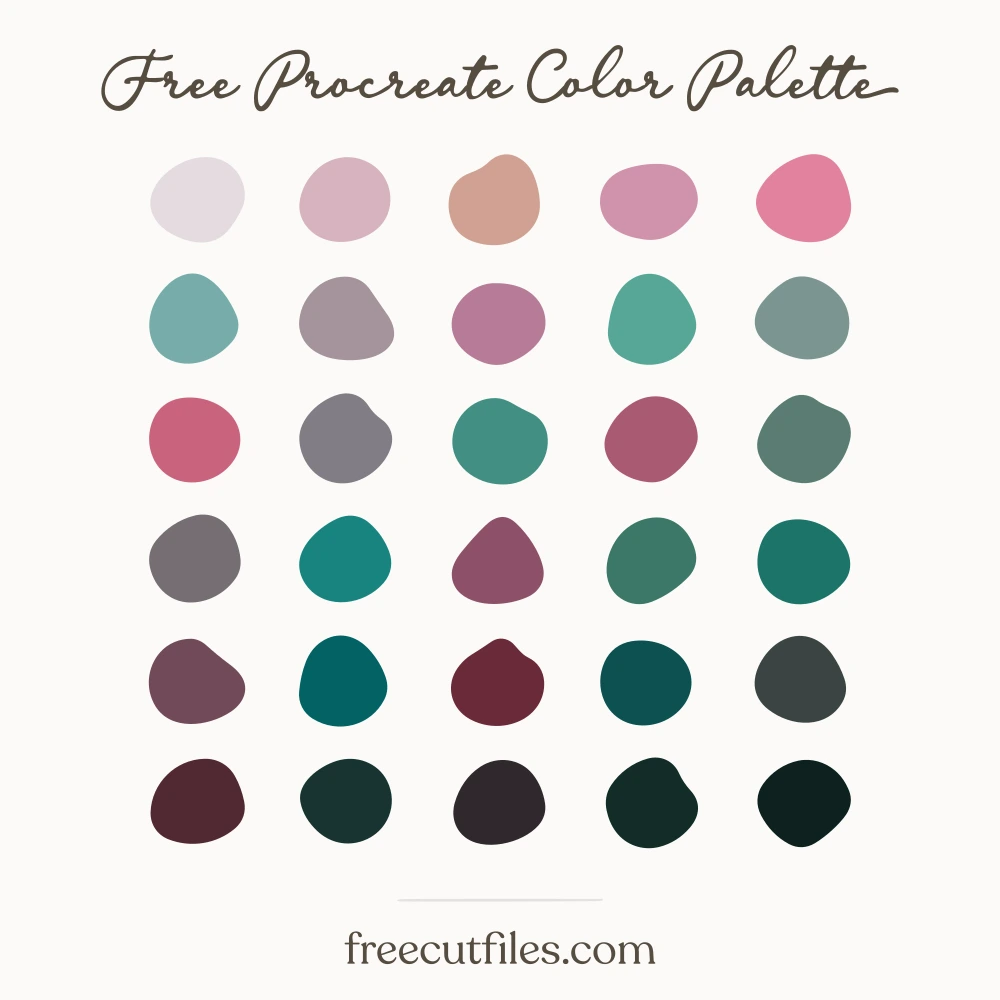
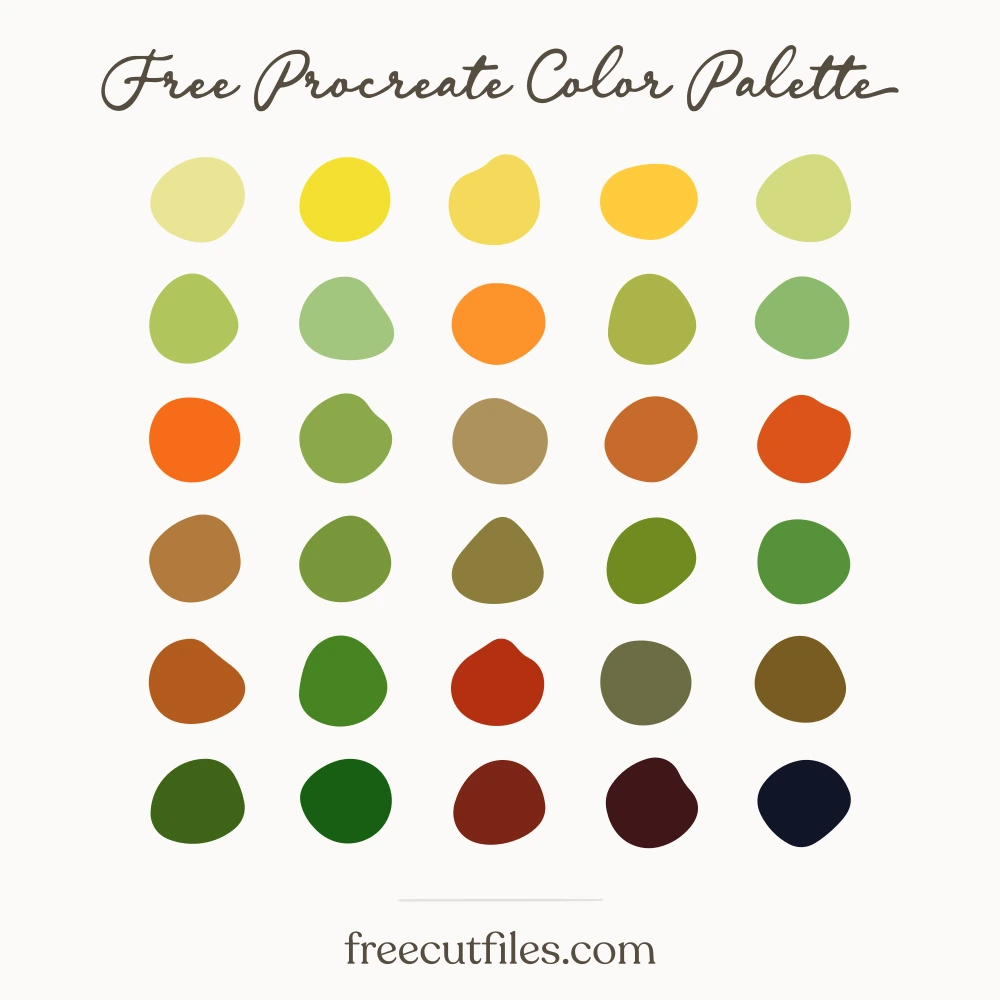
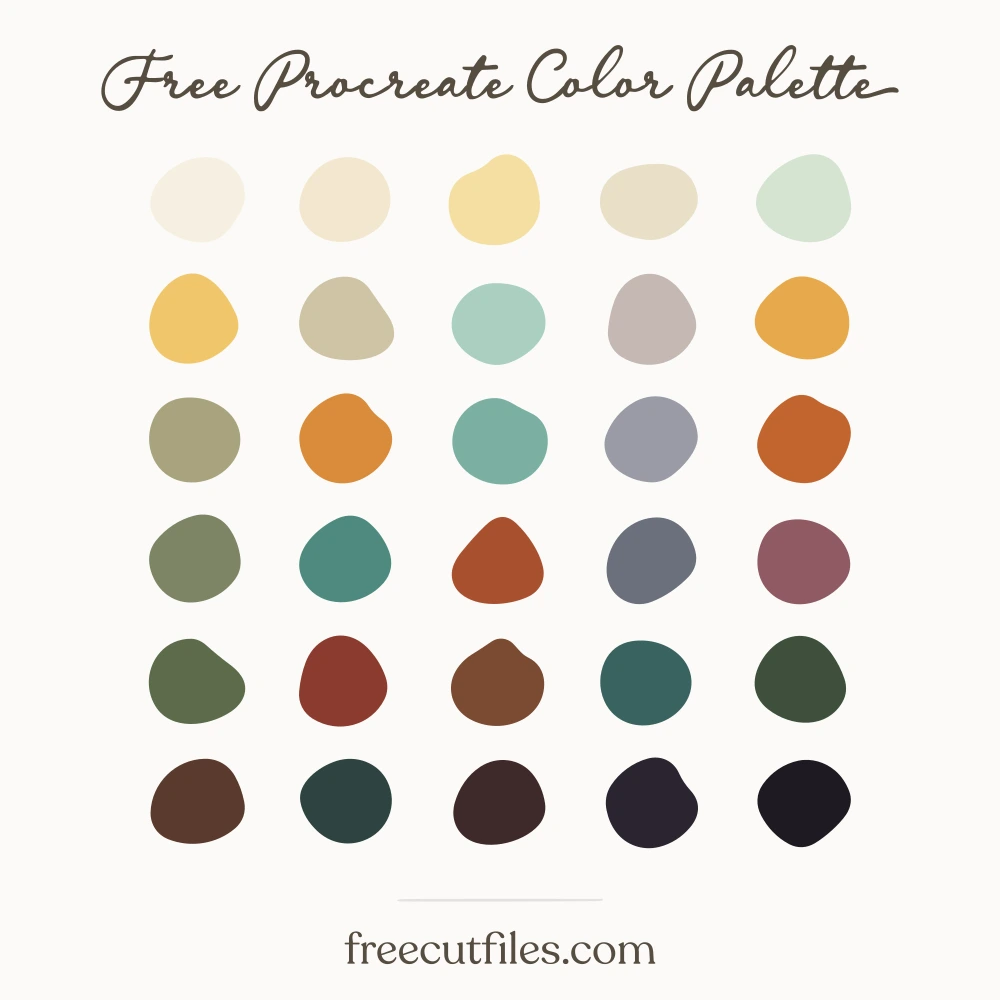
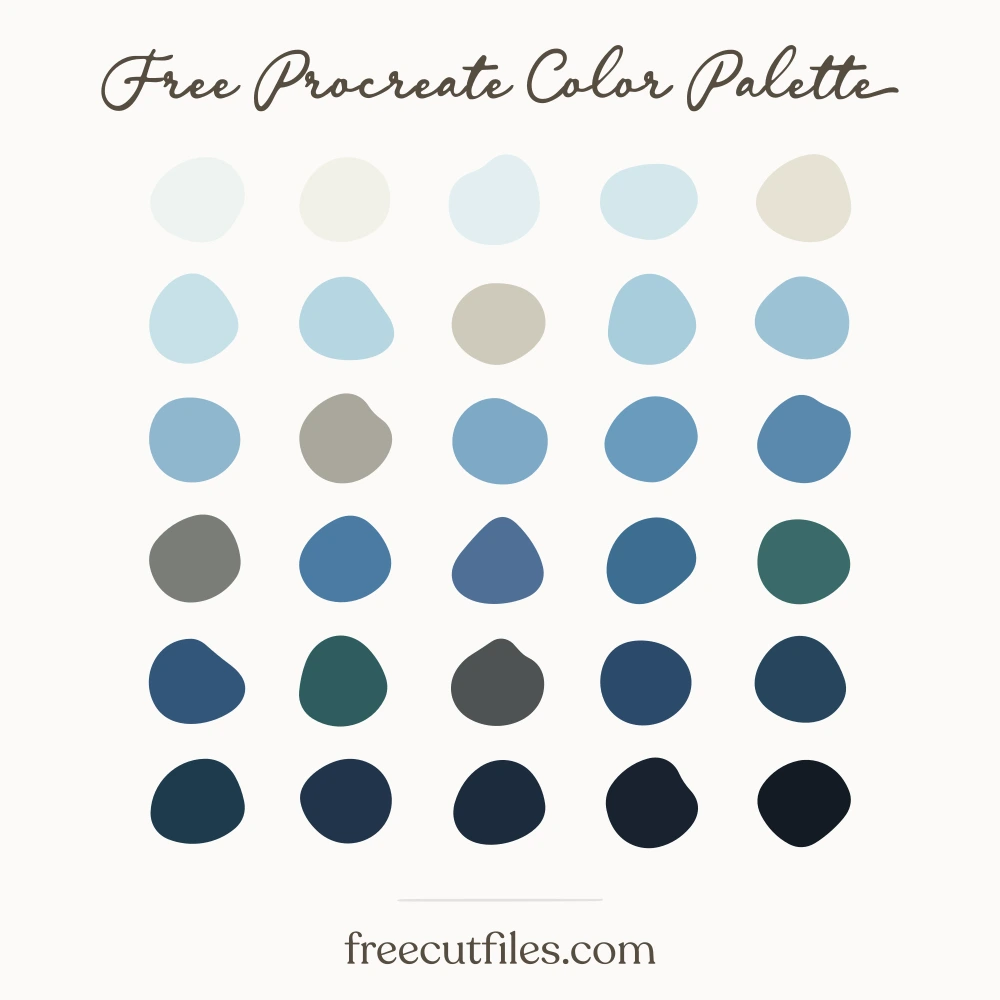
Linen on the Line hex codes: #e6f0ef, #f1e7e0, #efe2c8, #dbe6cd, #cfe4e5, #b3d2d6, #cfc7bd, #e2b9ba, #dcc19c, #bccfab, #95bcc3, #9cb488, #c39d76, #c68d92, #a49c93, #7aa3ac, #a87f57, #7b9468, #5f8b96, #a55f68, #8a6244, #4d7280, #5b7350, #7c3f4a, #3f5a63, #6b4a33, #44573c, #33454f, #2f3b2c, #25313a
Linen on the Line Color Palette
Soap blues and rinse-water teals sit next to clover and new-grass greens, with clothespin browns, a faded rose from an old apron, and warm off-whites for the sheets themselves. The dark slate and pine anchor lettering and outlines so the pale tones can stay airy. Good for spring scenes, cottage patterns, kitchen towels and anything that needs light backgrounds with room to breathe.
Download it free
Procreate.swatchesPhotoshop, Illustrator, Affinity.aseGIMP, Krita, Inkscape.gplCSS variables.css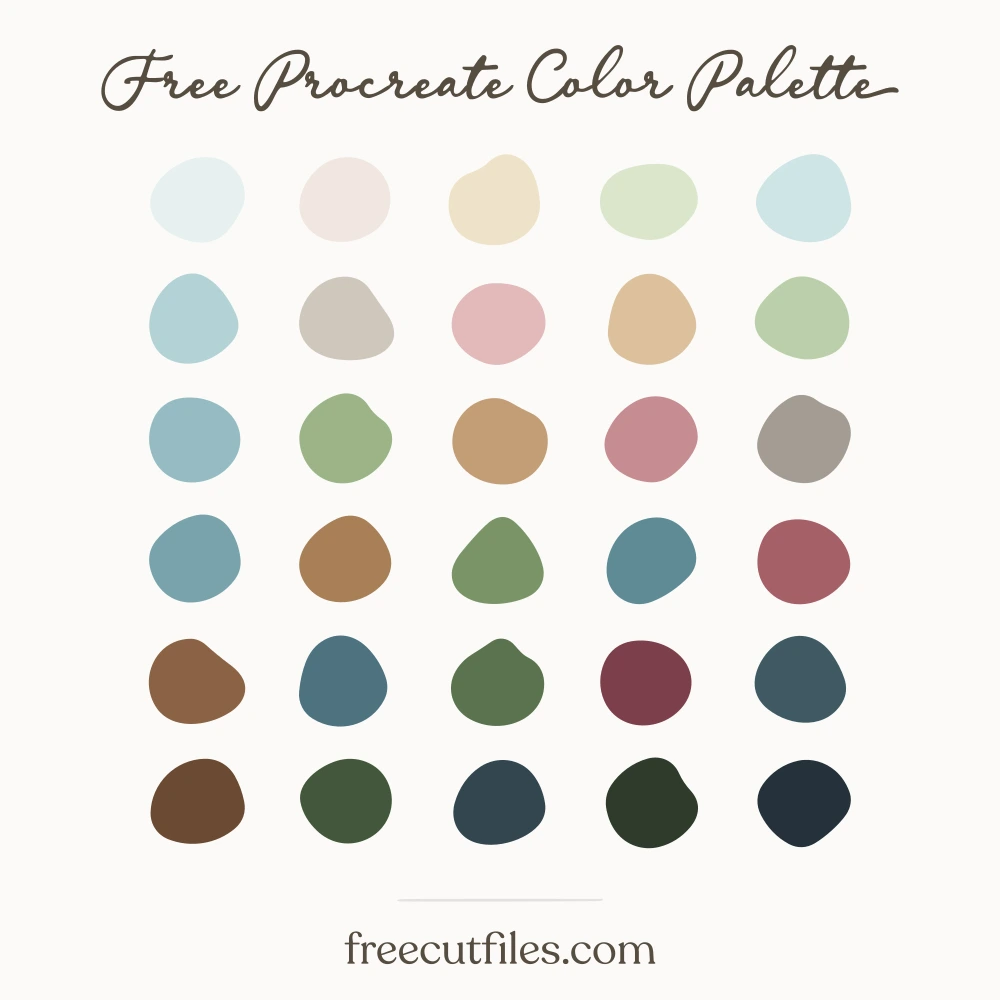 Keep it for laterSave this palette to Pinterest
How to open your file
These are palette files, not documents. Most apps load them from their swatches panel rather than from File, Open.
Procreate .swatches
- Download the file on your iPad.
- Tap it in Files or in Safari downloads.
- Procreate opens and the palette appears at the top of your Palettes list.
Illustrator .ase
- Window, then Swatches.
- Open the panel menu, the small lines at the top right of the panel.
- Open Swatch Library, then Other Library, then pick the .ase.
Opening the file from File, Open will say "unknown format". That is normal for every .ase.
Photoshop .ase
- Window, then Swatches.
- Open the panel menu at the top right of the panel.
- Import Swatches, then pick the .ase.
Affinity Designer and Photo .ase
- Open the Swatches panel.
- Open the panel menu, then Import Palette, then As Document Palette.
GIMP, Krita and Inkscape .gpl
- Open the palette panel or docker.
- Import, then pick the .gpl. In GIMP you can also drop it into your palettes folder.
How you may use it
The palette is a tool for your work, not a product to resell. No sign-up and no credit needed.